AI personalization vs. user control

As AI takes on more decisions, how do we make sure users still feel in control?
Spoiler: The answer isn’t choosing between personalization and user control. The best experiences combine both. AI should reduce effort without taking ownership away from the user.
Personalization isn’t the goal
People don’t open an app hoping to experience great personalization. They open it because they have a task to complete.
Take Apple Music as an example. Most users don’t think about recommendation algorithms. They simply want to find something they’ll enjoy listening to. When recommendations are helpful, they almost disappear into the experience. Users move forward without thinking about how the system got there.
When recommendations miss the mark, the opposite happens. Suddenly, every suggestion feels distracting.
That’s an important distinction.
Personalization isn’t valuable because it’s intelligent. It’s valuable because it helps users reach their goal with less effort.

User control isn’t a settings page
When teams discuss user control, the conversation often turns to settings, preferences, and configuration screens.
Most users never visit those pages.
Control is something people experience during an interaction. It’s the confidence that they can influence the outcome when they need to.
That confidence usually comes from small design decisions.
For example:
- Explaining why a recommendation appears.
- Making AI suggestions easy to dismiss.
- Letting users undo automated actions.
- Allowing users to quickly correct the system when it gets something wrong.
These moments often build more trust than giving users dozens of settings they’ll never use.
Mistakes are expected. Recovery matters more.
No AI system gets everything right. What frustrates people isn’t usually the first mistake, it’s realizing they don’t know how to fix it.
Imagine you’re shopping for a family car and you click on an electric SUV out of curiosity. From that point on, every recommendation becomes another electric vehicle, even though you’re actually looking for a diesel estate.
The recommendation isn’t the problem. The problem is that the product leaves no easy way to say, “That’s not what I meant.”
A recommendation can be wrong without damaging trust. A recommendation that’s wrong and keeps insisting it’s right is much harder to recover from.
Good AI leaves room for users to course-correct.
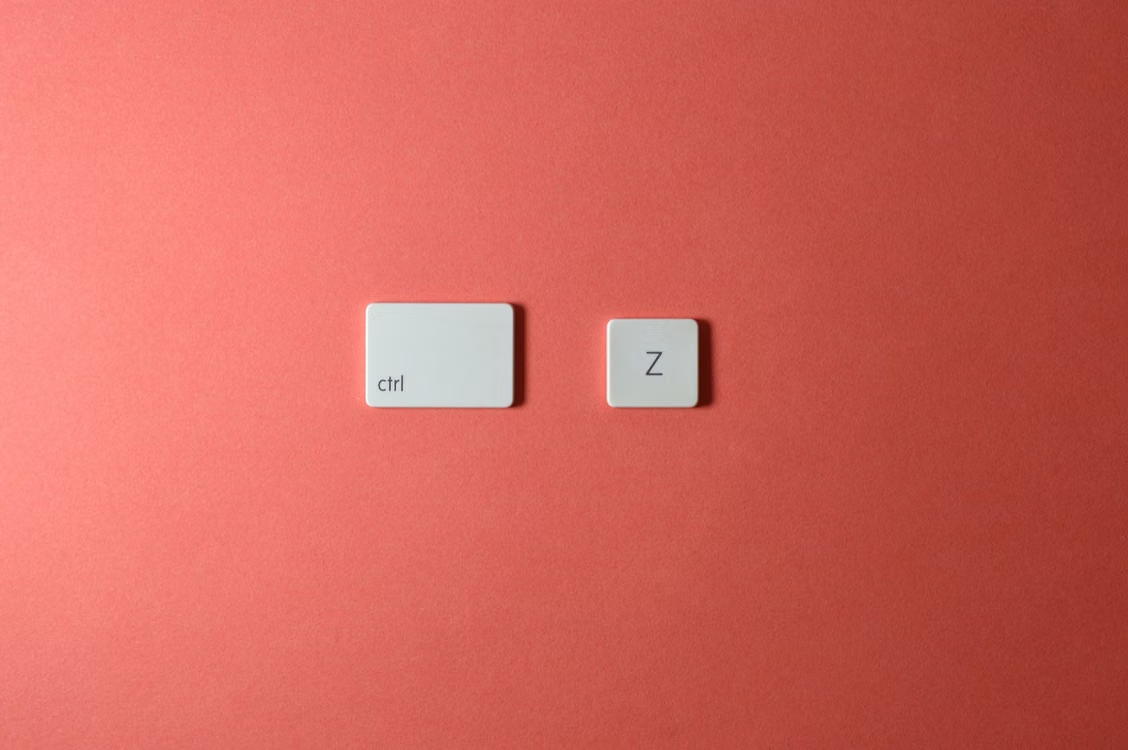
Design AI as a collaborator
AI doesn’t need to replace human decisions to be useful. In many cases, it’s more valuable as a partner than as the decision-maker.
When reviewing an AI-powered feature, we find it useful to ask three simple questions:
- What decision is AI making?
- Would users expect the product to make that decision?
- Can users easily change it?
If any answer is “no,” there’s usually a design opportunity before there’s a model problem.
This way of thinking aligns with Google’s People + AI Guidebook. One of its core ideas is that successful AI isn’t just about smarter automation. It’s about helping users understand what the system is doing, keeping them involved in important decisions, and making it easy to recover when things don’t go as planned.
The best AI knows when to step back
It’s easy to fall into the trap of assuming that adding more AI will inherently improve an experience. If automating one step saves time, automating five steps should double the value - or so the thinking goes.
In reality, that’s rarely how people experience products.
People generally appreciate AI when it eliminates low-stakes, repetitive toil. They’re far less enthusiastic when it starts making high-stakes decisions on their behalf, or taking away choices they actually enjoy making.
Think about writing tools:
- Most users welcome spelling corrections and inline predictive text. They’re quick to evaluate, take milliseconds to accept, and keep the writer in flow.
- On the other hand, generating full paragraphs without context often feels disruptive. Instead of accelerating work, it forces the user to pause, read, edit, or completely overwrite content that didn’t capture their intent. Automation suddenly creates more cognitive load, not less.
The same principle holds true across every product category:
- On streaming platforms, suggesting what to watch next after a show ends saves search time, but automatically launching a new series mid-credits without giving you enough time to opt out ruins the experience
- In navigation, suggesting a faster route when traffic picks up saves time, but rerouting the driver path mid-journey without asking or explaining creates panic.
- In photo editors, one-tap auto enhancement can help optimizing shadows, highlights, contrast and colours, but forcing automatic crops without manual adjustments ruins the creative process.
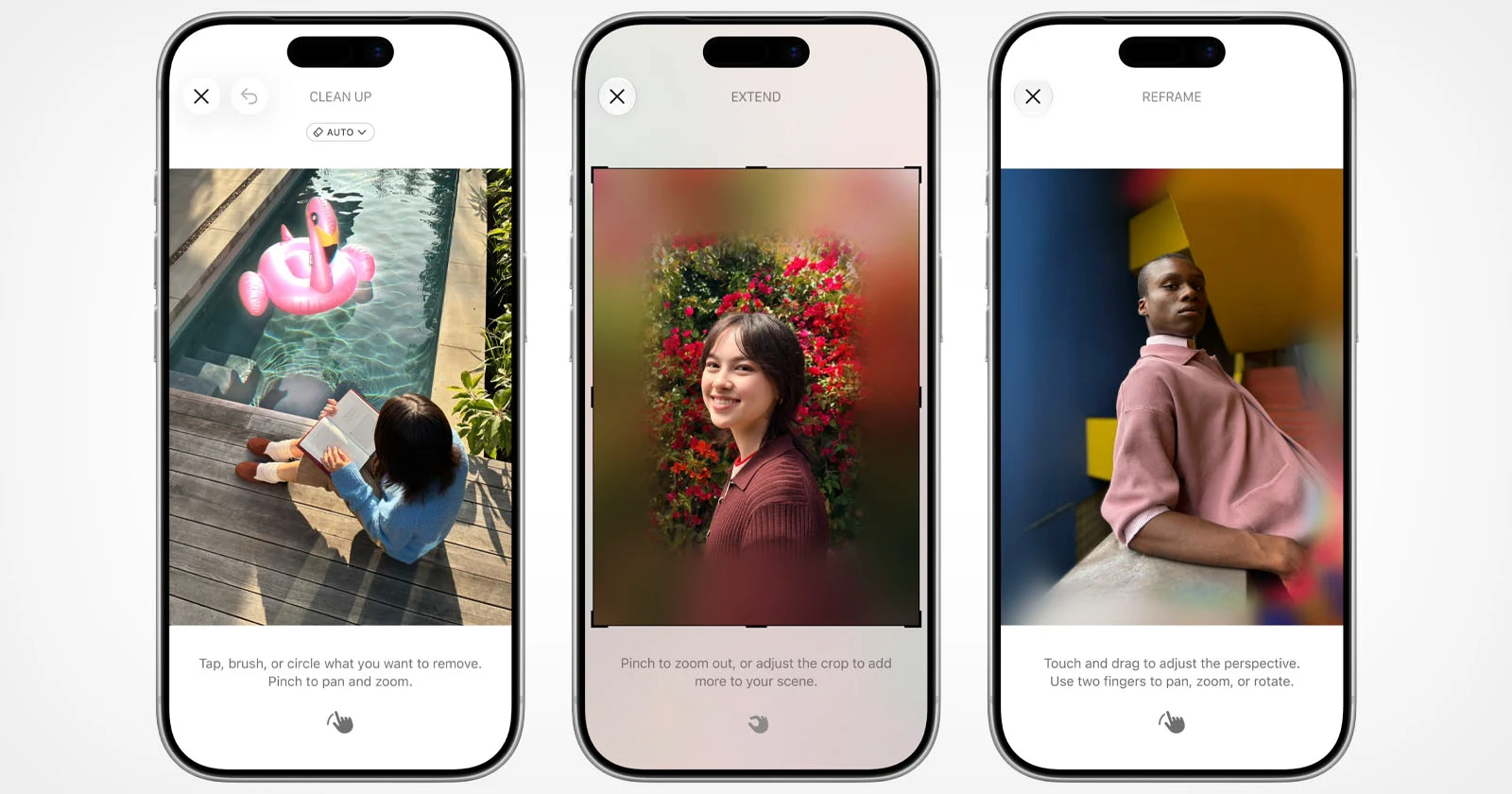
Relevant intelligent features build momentum - overzealous automation halts it. Interrupting context, making assumptions, or hiding the wheel will make the users feel managed instead of empowered.
Good AI knows when to step in and handle the noise. Great UX knows when to step back and let the user drive.
Final thoughts
AI personalization doesn’t have to come at the expense of user control.
As designers and product teams, our role isn’t simply deciding what AI can do. It’s deciding when automation genuinely creates a better experience, and when users should remain in the driver’s seat.
The most successful AI features don't try to be the smartest entity in the room; they try to be the most helpful. They step in to clear away friction, step back when human judgment takes over, and make it effortless to course-correct when the math gets it wrong.
When people complete a task feeling confident, empowered, and in control, rather than confused by an algorithm pushing them off track. That’s the true test of a standout product. That’s when you know the experience got the balance right.
Wondering where AI belongs in your product?
AI can be useful in some parts of a product and get in the way in others. The challenge is figuring out where it genuinely helps, where users still want to make the decision themselves, and how to design the experience around both.
If you’re exploring how AI could fit into your product, or already building AI features and want to get the UX right, we’d love to help. Let’s talk.