A designer's journey into coding agents and how it reshaped the way we work
At UX studio, there's a team dedicated to exploring new product ideas and bringing them to life. This necessitates hand-on experimenting with coding agents. As a designer, I used to find it challenging, until I found Cursor.
This article tells the story of how I built a proof of concept all by myself, with no dev help. The experience made me comfortable with tools that blur the line between designing and building, and how it reshaped the way I work, think about product decisions, and collaborate with developers.
The first try didn't really click
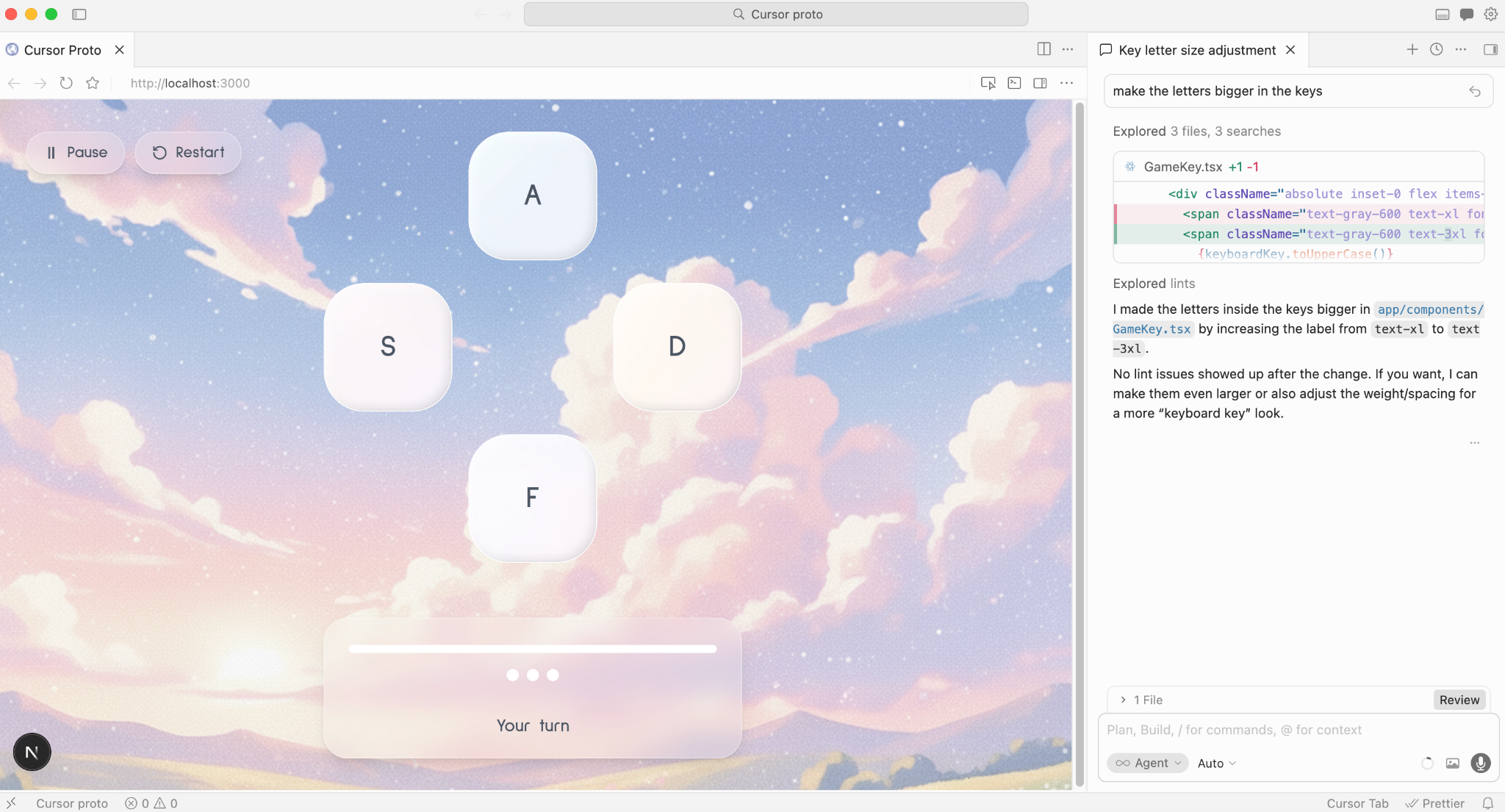
My first experience with Cursor happened during a design hackathon at UX studio. I wanted to build a Simon-style memory game.My goal was to explore how it feels to create UI and get UI details right with a coding agent.
The results were… mixed. On one hand, watching a working product come to life based on my descriptions in natural language was thrilling. In just an hour, I had a working game with exciting sounds and shiny interactions. On the other hand, fixing visual details felt like an endless and tiresome battle.
Although I had a clear picture in my head about how the UI should look, I could not get Cursor to match it through prompt engineering. I tried everything, from sharing reference images to adding even more detail to my prompts. , Eventually, I realised that the only way to translate ideas in my head to actual designs would be creating designs in Figma.

I didn't have the time to sketch it all in Figma to communicate my real intentions to Cursor, so after getting to an okay-ish version, I decided to stop with the endless back-and-forth in prompting, admit defeat, and settle on the design. I'm way more experienced with coding agents now, and I still believe that designing in Figma is irreplaceable for getting a design vision right.
Despite the excitement of seeing something come to life so quickly in the hackathon, I walked away thinking: this is cool, but I can't see how it fits into my actual product design work. It felt like too much effort for an imperfect result.
Small steps into a real codebase
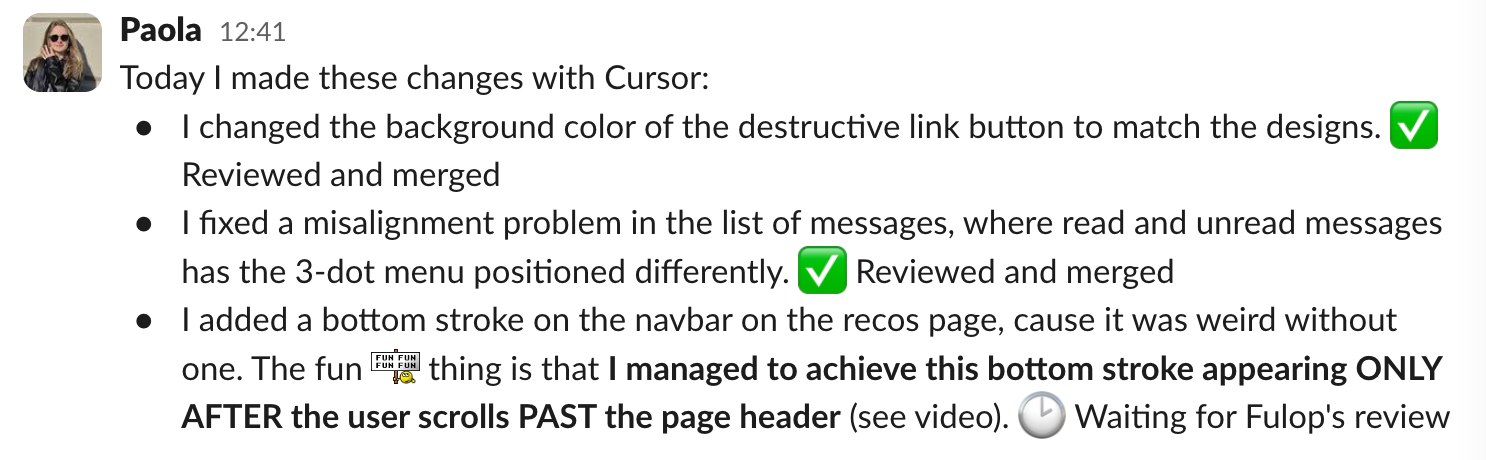
After the hackathon, I didn't jump straight into building something big. Instead, I started using Cursor on Ranking Raccoon (our actual, live product). Small things at first: UI fixes, minor feature implementations. Nothing huge, but actual usage felt very different from my experimentation during the hackathon.
For the first time, I was working inside a real codebase with real-life consequences. I had to learn how to navigate the terminal, set up the local environment (which took about two hours to set up, even though our developer assisted me through a live call ), and create pull requests on Github that my colleagues would actually review and merge. It sounds simple, but it took me a lot of effort to learn and get used to new concepts and a totally new lingo (commit? push?).
It was humbling. The gap between "I built a game in a hackathon" and "I'm requesting your review on my PR" was bigger than I expected. But each small contribution built confidence in me. I started understanding how the codebase was structured, how changes flowed from my machine to production, and what it felt like to ship something instead of handing it off to be shipped. And I was very loud and proud on Slack, too:
These weren't headline-worthy contributions. But looking back, they were essential. Without these baby steps, I would never have had the confidence for what came next.
The idea that changed everything
A few weeks later, our team was in full ideation mode, exploring new product ideas from scratch with no constraints. Thinking wildly, building demos, chasing wow factors. After a lot of exploration and playing around in Figma, I landed on an idea I was genuinely excited about. I quickly mocked it up as a Figma prototype and shared it in Slack to see how it would land with others.
The reaction was very encouraging. Other people in the company shared the same excitement about the concept.
Usually, when we have a promising product idea, our developers take some time to build a POC, while I might be prototyping in Figma to test and figure out the value proposition. It's only after we have a POC that we find beta testers and validate the idea with something closer to the real thing than a prototype. But this time, I was so excited about this particular idea that I didn't want to wait or hand it over to someone else, so I proposed building a POC myself with Cursor.
I can't share the details of the product idea itself yet, but here's what matters: it involves a chatbot-style interface where AI talks to the user, so it could only be properly tested with real data. Mock responses wouldn't do it.
In a week, I had a working POC already (I still can't believe how fast things progressed). It was connected to the Anthropic API. It scraped real websites. Users could actually chat with the product, and it would respond meaningfully across different use cases. It wasn't just a predictable prototype. It was the real thing.
What building the POC was actually like
This time, I had something upfront that I didn't have during the hackathon: Figma screens. Not polished designs, but the initial mockups I'd used to pitch the idea. I gave these to Cursor as visual references, and the difference from the hackathon experiment was significant. Cursor didn't reproduce them in high fidelity, but it got close enough that I could tweak the remaining differences with a few prompts.
A side note on this: Cursor has a visual editor, but I found it confusing. The way it connects with the prompt input field and sends a manual change as a prompt didn't click for me. So I did almost everything through prompting. I still think it's not the most efficient way to adjust small UI details, but it worked well enough.

On the very first day, I already had the main screens and the full user flow working. From that point on, it was all improvements: UI changes, adding features, refining prompts.
And here's where it gets interesting: adding features is incredibly easy if you explain them well. I would describe a piece of functionality, and Cursor would execute it far faster than a traditional development cycle would allow.
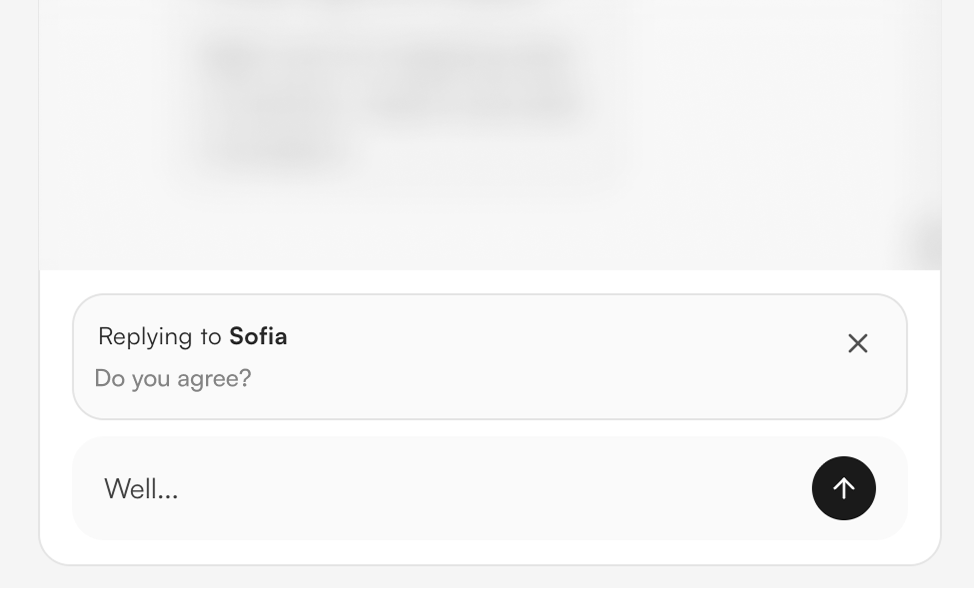
We actually discussed this as a team: I ended up adding several "nice to have" features that we would have absolutely deprioritized if a developer had to spend extra days building them. I could add each one in roughly an hour or two. An example is the feature to reply to a specific message in a chat. Is that needed for a POC? Probably not, but since I could execute in around an hour, why not take advantage of it and make the experience much better?
The flow state (and its cost)
Because I was so invested in the idea, I entered an intense flow state. I wanted to cancel all my meetings. I just wanted to keep building. But I also noticed how much mental energy it requires. At some point, it becomes draining if you don't know when to stop yourself and take a break.
This is the moment I told my developer colleague: I finally understand why developers want to just lock in and not talk to anyone. The cognitive load is real. When you're working in an environment like this, you constantly see things you could optimize. You fix one thing, notice another, and spiral into a loop of improvements. You organically create more tests for yourself, which is exciting because your product keeps getting better, but you also have to learn when to stop for the health of your own brain.
As a designer, I had never experienced this particular kind of exhaustion before. It was a new muscle, and I'm still in the process of getting used to it.
User testing with a real product, not a prototype
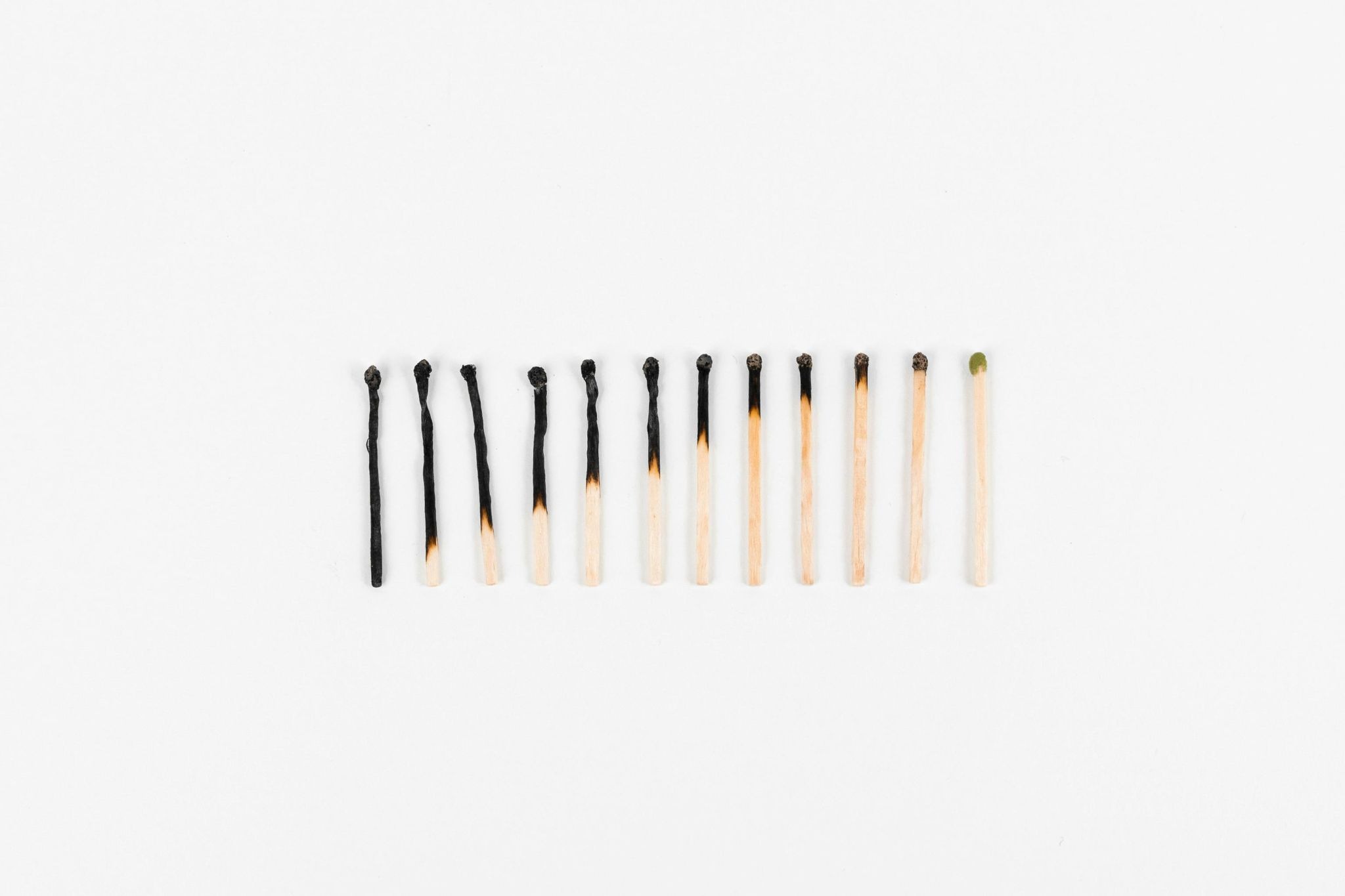
Once the POC was functional, I started testing it internally with colleagues outside my immediate team to get less biased feedback, and later took it to external user tests. And this is where something fundamental shifted in how I think about user testing.
When you test a Figma prototype, there's always an asterisk. Imagine this would show real data. Assume the AI would actually respond like this. The person testing has to do some role playing. But with a working POC, testers were using the real thing and running it on their own products. They could see actual results based on their actual use cases.
The feedback felt different: more credible and more actionable. People weren't reacting to a concept anymore; they were reacting to an experience. And from those sessions, I could easily build a clear list of things to fix and improve before testing with external users.
This also changed how I recruit test participants. Because the POC is real but not yet a production-grade product, I need to check upfront whether it will actually work with their specific data. So the screening questions were different. A bit more practical, asking for the data I needed to see if it would run well for them.
But it wasn't all smooth. The POC is still a POC, and real-world usage has a way of exposing every weak point. I ran into API issues during sessions. There were moments where the product threw errors right in front of testers, which made me genuinely nervous. Fortunately, my developer colleague was available to jump in and help troubleshoot in real time. We'd fix something mid-session, and I'd carry on. It was stressful, but it also showed me how well our new collaboration dynamic worked under pressure.
What surprised me the most was how it felt to watch people react positively to something I had built. Not designed and handed off. Built. I had shaped every screen, every interaction, every prompt behind the AI responses. Seeing someone genuinely impressed by it was a different kind of reward than I'd ever felt as a designer. It's hard to describe, but there's something about having your hands on every layer of the product that makes positive feedback land differently.
And then came the aftermath. Because of how fast iteration works with Cursor, I left every test session with a massive list of improvements: things I wanted to fix immediately. And this is where I hit a new kind of challenge: knowing when to stop iterating and start thinking about the bigger picture.
It's incredibly tempting to just dive back into Cursor and start fixing things one by one. But I realized that if I kept doing that, I'd be optimizing details without stepping back to think: should we really build this? Or should we really build it this way? The speed of the tool makes it easy to stay in execution mode. Learning to pause and switch back to strategic thinking has been one of the hardest, and most important, lessons so far.
Going beyond design decisions
Building this POC pushed me into territory I had never navigated as a designer.
Setting up the API
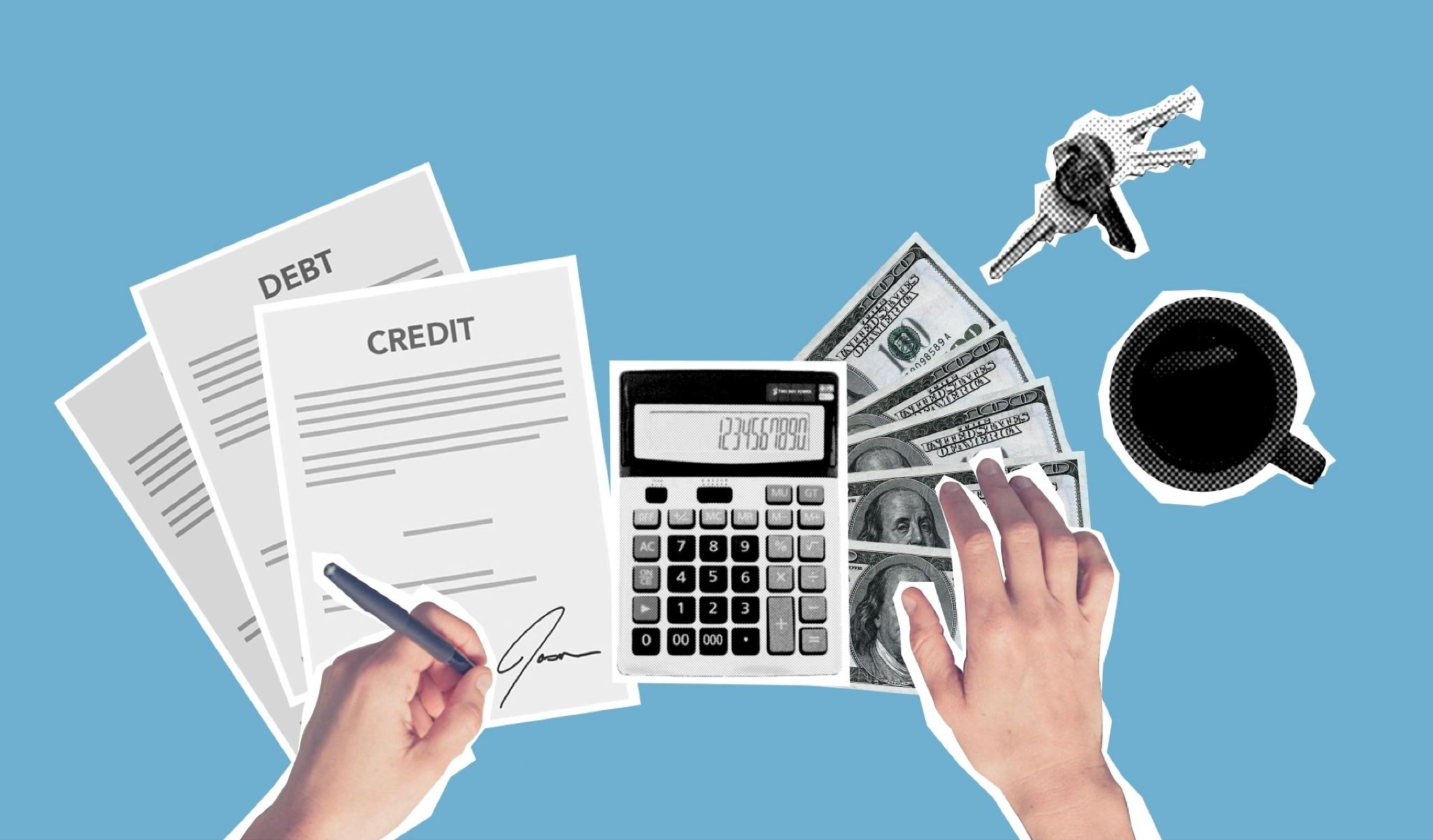
Because the product needed real AI responses, I had to learn how to set up API keys, request credits from our finance team, and configure everything so the POC wouldn't just run on mock data. My developer colleague told me about the .env file and where to paste the key, but I did the rest myself. It sounds small, but for someone who previously would have just asked a developer to handle this, it felt like a meaningful step forward.
Figuring out web scraping
The product needed to scrape websites. I spent time ideating with Cursor about which scraping solution to use, keeping in mind that I wanted the cheapest possible option for a POC. This wasn't a design decision. It was an architectural one. And I was the one making it, with AI as my thinking partner. As a former civil engineer, this type of thinking is not totally foreign to me, but it was quite a shift from my recent experience in design.
Cost optimization
Thinking about API costs, choosing between different approaches based on budget: these are conversations I used to only hear about in product meetings. Now I was assessing options and making those calls myself.
This kind of learning (understanding how things work behind the interface) has been huge for me. It doesn't make me a developer, but it gives me a much deeper appreciation for the invisible decisions that go into building a product.
The workflow I didn't plan
Over these weeks, a workflow emerged that I never consciously designed. It just evolved through trial and error:
Step 1. Claude (chat) for strategic thinking
I use Claude as an ideation partner for high-level decisions: what to build, how to approach the next steps of implementation, who are the best users to recruit for tests, even what the right screening questions are.
I also used Claude Opus to draft the very first detailed prompt I gave Cursor. I had the idea in my mind but didn't know how to translate it into technical instructions. Claude bridged that gap very efficiently.
Step 2. Claude Code for rapid prototyping
When I need to explore different interaction patterns, I use Claude Code in the terminal to create quick HTML prototypes. I can test multiple approaches in the browser before committing to a direction. It's faster than Figma for exploring interactions, and the result is something I can actually click through.
More recently, their “show me” feature allows me to ideate with Claude on a wireframe level. This is incredibly valuable for taking a quick look at some ideas you have in your head, without having to move pixels in Figma.
Step 3. Figma for design refinement
Once I know which direction works, I go to Figma to define the polished version. It's no longer the starting point for everything, but it's still where I do my best design thinking.
Step 4. Cursor for implementation
The refined design goes back into Cursor, which builds it into the actual product. I'm a big fan of their built-in browser, which makes work easier for me.
This isn't a prescriptive framework. It's simply what emerged for me. But my biggest insight was that ideating in the same environment where you're building is not ideal. Having separate spaces for thinking and executing made things flow much better in execution but also in my own head.
A different kind of working dynamic
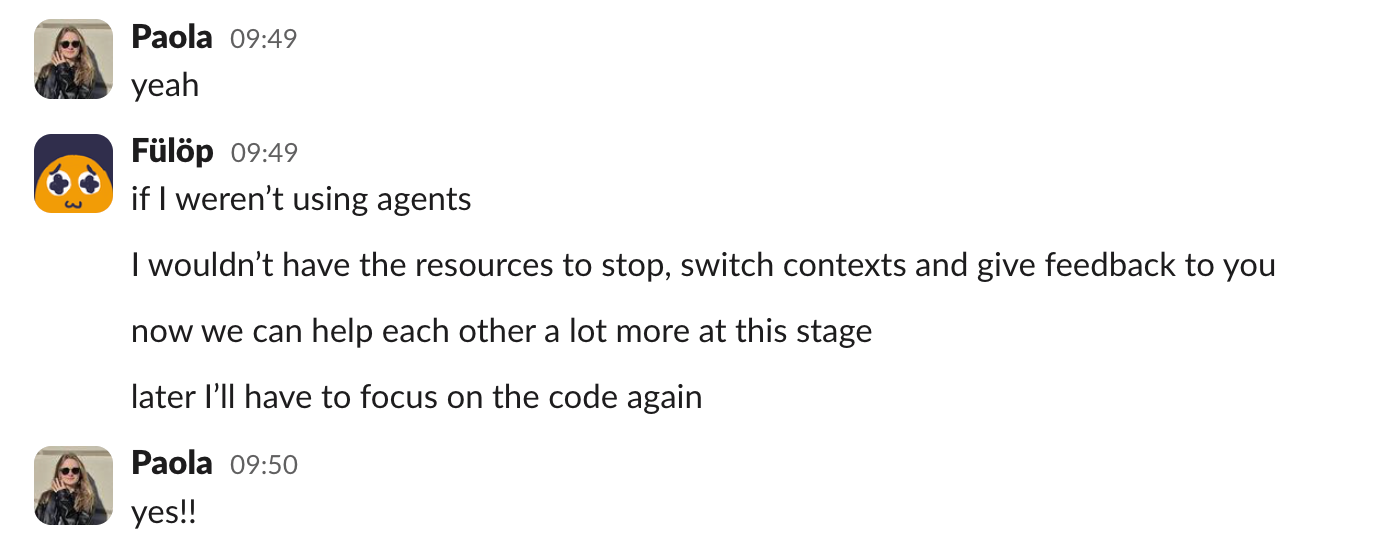
One of the most interesting side effects of this whole journey is how it changed the designer-developer collaboration on the project.
Although I built the POC, he was present throughout. He helped me set up the .env file. He advised me on token management for testers. He's currently building a system so I can create individual access tokens for external test sessions without burning through API credits.
It's the nature of the help that shifted. It's not "build this feature for me." It's precise, bounded assistance: answering a specific question, setting up a specific piece of infrastructure, reviewing a specific decision. And because we're now both working with coding agents in our daily work (he uses them too), we've both noticed that the collaboration is more dynamic.
When he was deep in traditional coding, stopping to help me was disruptive. He'd need to context-switch out of something complex. But because coding agents work in smaller, more modular chunks, he can pause more easily, help me with something, and go back to his own work. We don't need to formally schedule collaboration time the way we used to.
The non-linear nature of it all
Working with Cursor doesn't follow a predictable, linear workflow, and this caught me a bit off guard. In traditional design processes, there's a general sequence: research, wireframes, visual design, handoff. With Cursor, I'm constantly switching between UI fixes, feature additions, prompt refinements, and testing. There's no clear order or separation.
At first, this felt chaotic. Now I see it as a natural consequence of working closer to the actual product. When you can see and interact with what you're building in real time, you notice things in a different order than you would in Figma.
Key learnings so far
I'm still in the middle of this journey, but a few things have already hit me:
1. It's scary until you do it
Before I started, coding agents felt intimidating. Terminal commands, API configurations, deployment. These felt like developer territory. They still are, in many ways. But the barrier to getting started is lower than I expected. Each small success made the next step less frightening.
2. You need genuine belief in what you're building
The hackathon was interesting but didn't stick because it was an exercise, not a mission. The POC worked because I was deeply invested in the idea. The motivation to push through frustrations came from caring about the product, not from curiosity about the tool.
3. A developer partner is essential
I built the POC, but I couldn't have done it without my developer colleague's guidance at key moments. Knowing someone is there to help when you hit a wall, especially with infrastructure, deployment, and security, makes the difference between pushing through or giving up.
4. The role doesn't change, it expands
I'm still a product designer. I still think about user needs, information architecture, visual hierarchy, and interaction patterns. But now I also think about API costs, scraping strategies, and data flow. The design thinking is still here, but with more dimensions, which must be acknowledged by teams so designers don't risk burning out.
What's next
We believe that this story is just getting started. The POC phase has been transformative, but the real test (turning it into something users rely on) is where we'll learn the most about how designers and developers work together with AI tools. Stay tuned for the next chapter.
Credits
This blog post was written by Paola Zardo, product designer
Editing by Dr. Johanna Székelyhidi, marketing manager and copywriter